
User Pay Charges #

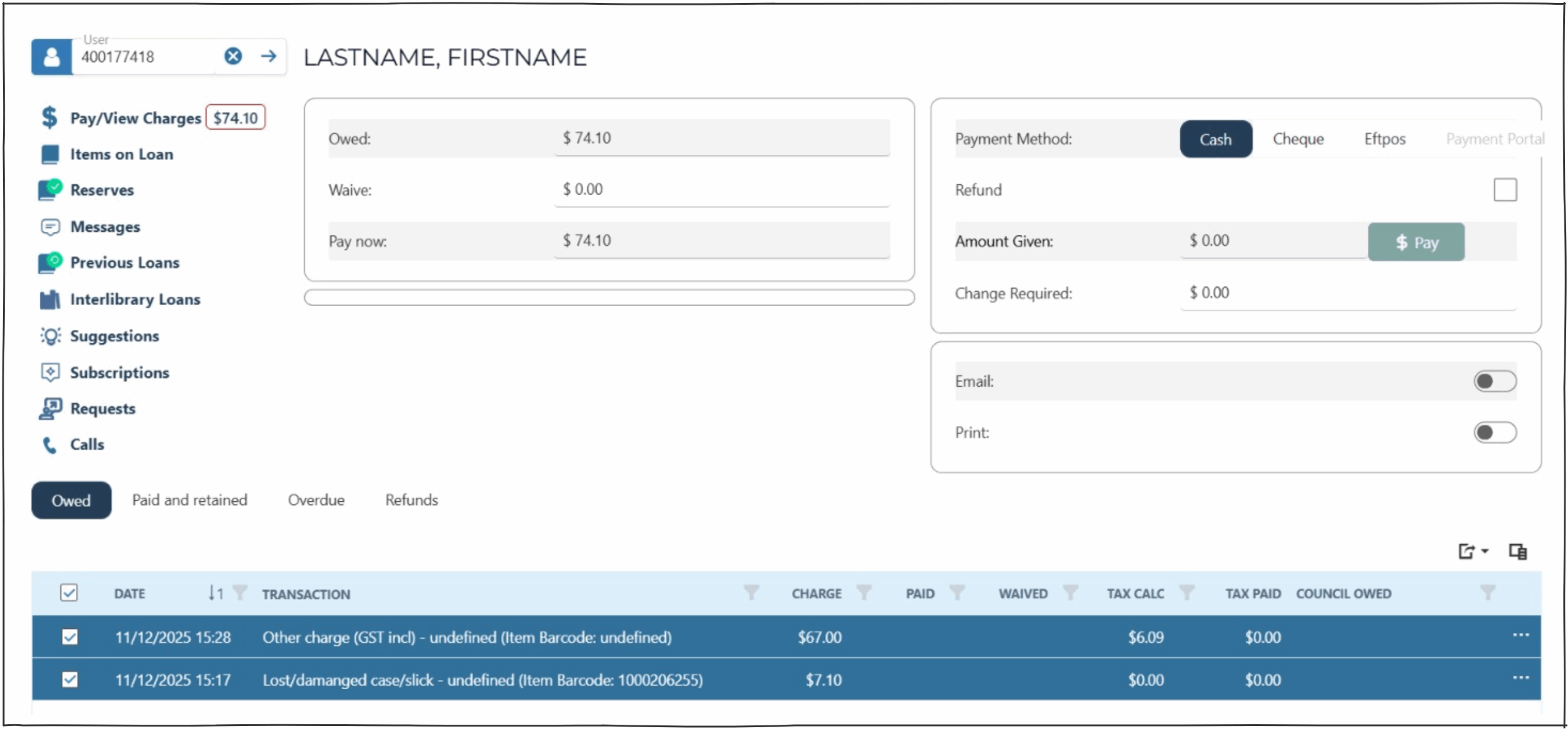
The pay charges page allows operators to receive payments from users.
To pay a charge (receive payment)
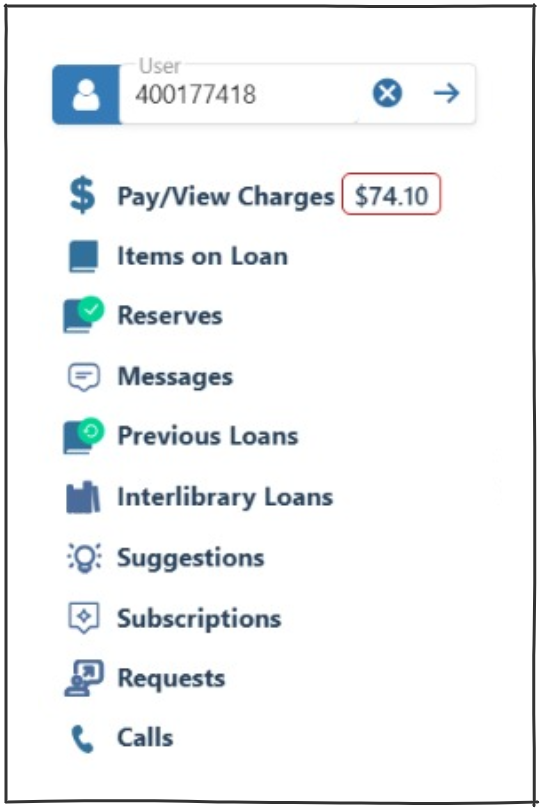
- Select the user
NOTE : Any charges owing for the user are displayed in the Pay/View Charges
- Add the ‘amount given’
- Click on pay
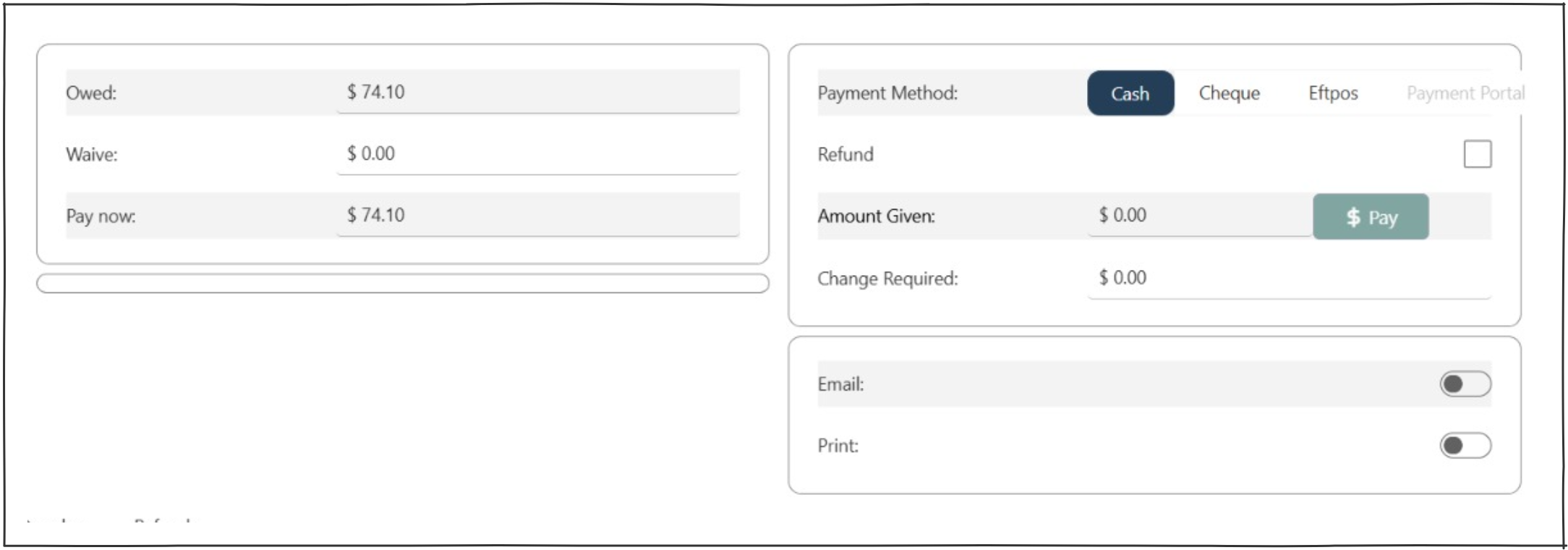
The results page at the bottom of the screen displays the user’s charges owing. Operators can select single rows (or select all) to pay. The selected row value/s will populate the ‘owed’ and ‘pay now’ fields.

NOTE : System parameter ‘ChargesPaymentBlocked’ will display a different interface if set to true.