
Quick Work #

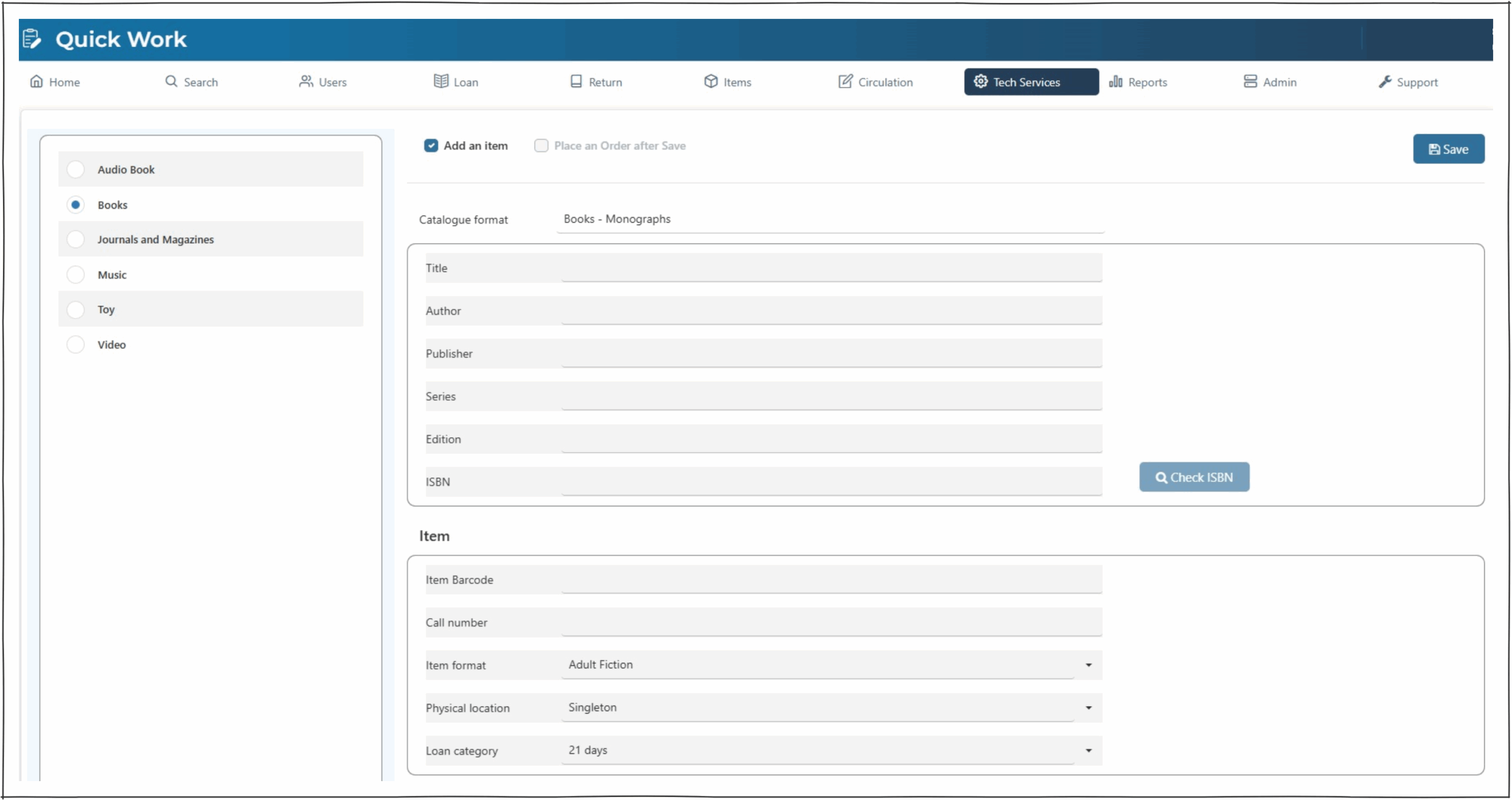
Quick Work is a form for the creation of brief catalogue records. An example use would be to add a work to the system at the library counter to allow for immediate loan.
Note : Quick Works do not apply any structured workforms, and so do not maintain cataloguing standards. The Enterprise parameter ‘BibsMarkForReviewIfQuick‘ can be set to force all such records to be given review status.
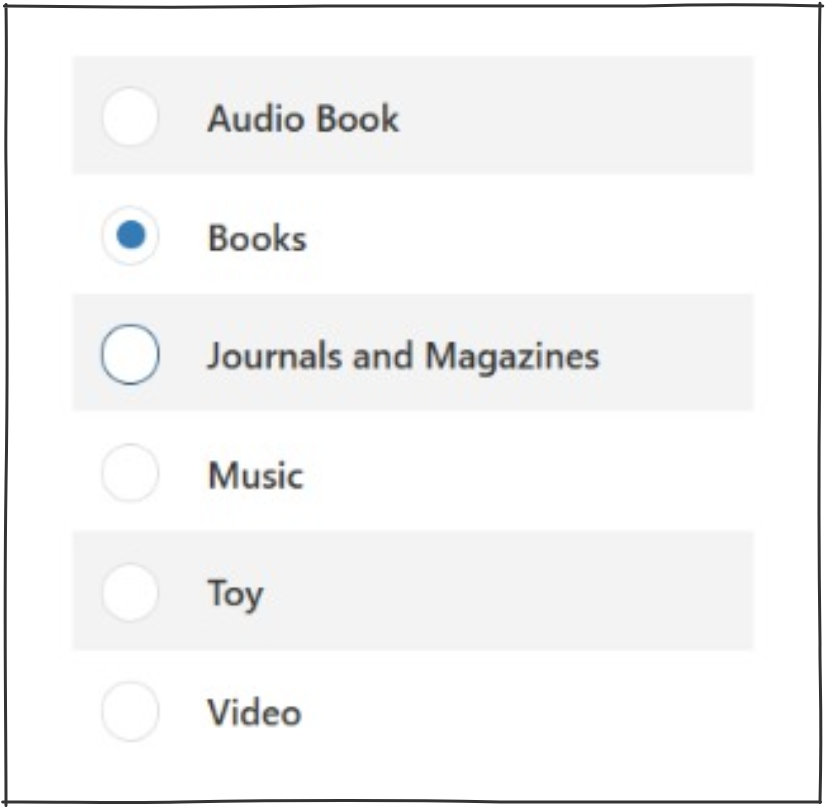
Catalogue Work Format – left hand panel #
The Catalogue Format button allows selection of the specific cataloguing format required. This should be determined by the library itself and reflects the MARC Leader information that will be created.
Checkboxes – top middle panel #
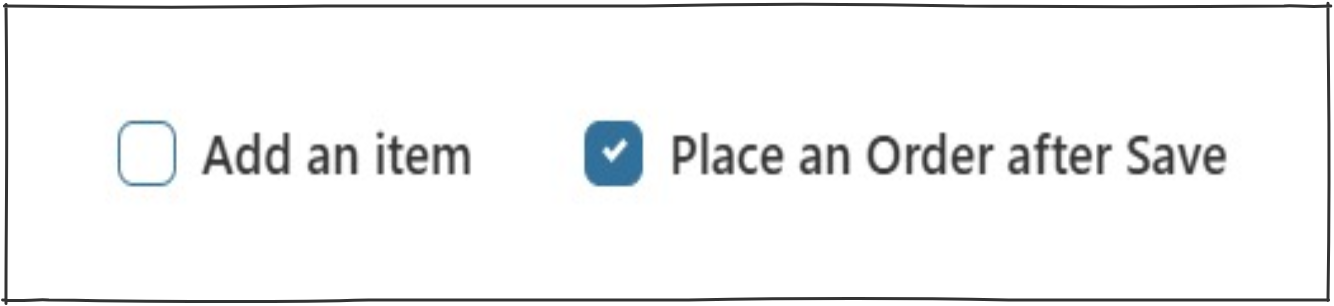
Add an item – Selecting this checkbox enables the Item information panel at the bottom of the screen. Basic item information can be added here (barcode is the only mandatory field in this panel), more details can be added later by editing the item.
Place an Order after Save – The ‘add an item’ checkbox must be unticked for this checkbox to activate. When ‘place an order after save’ is selected, and save button activated, the operator will be redirected to the place an order screen. NOTE – this function will be available after the next release.
Work Information – middle panel #
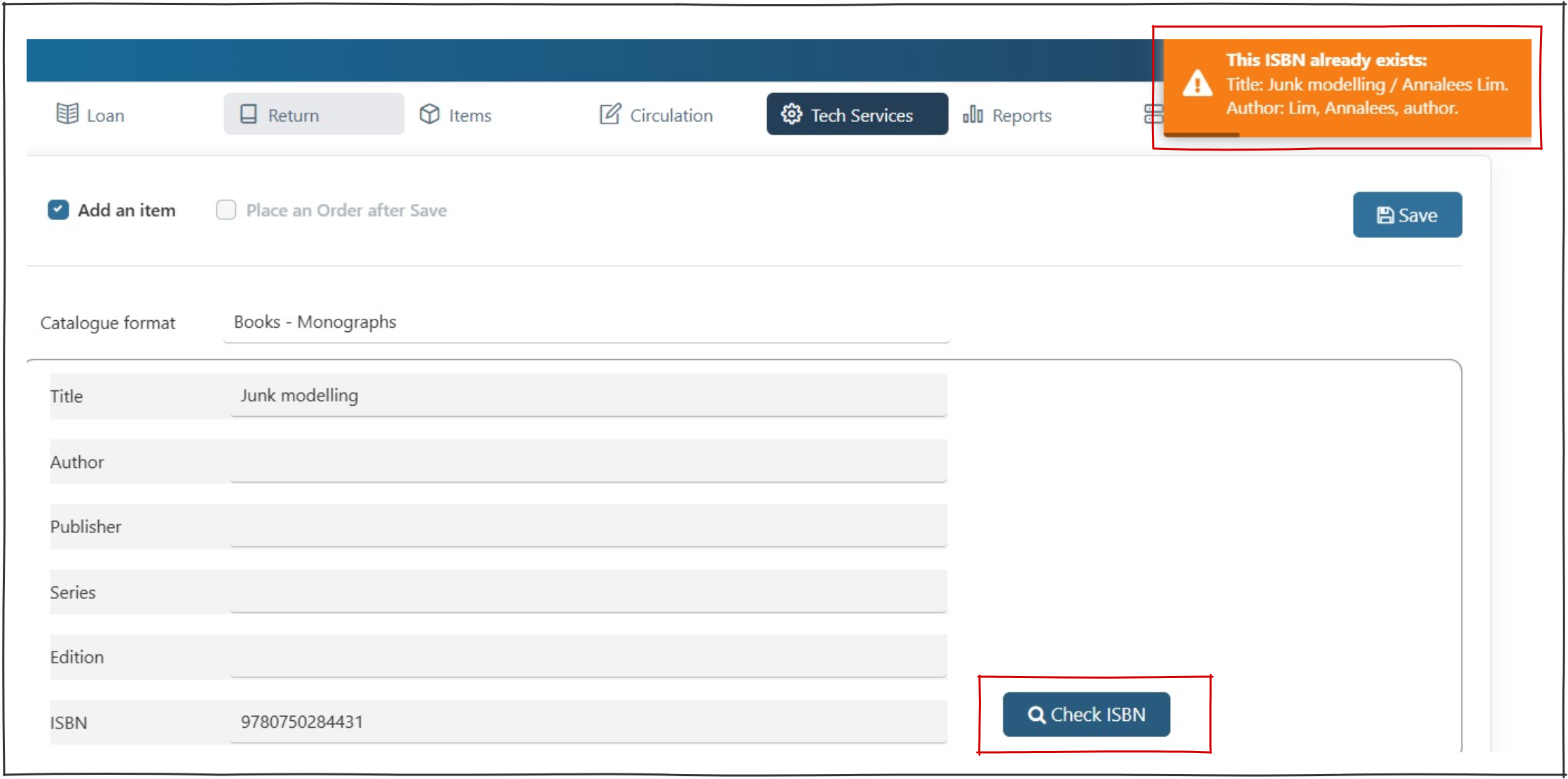
This panel allows for the addition of the works basic details. Title is the only mandatory field, other information may be added as required. These details can be edited later in ‘Cataloguing’.
On entry of an ISBN, the ‘Check ISBN’ button will become active. Clicking the button will invoke a search of the local database and return associated bibliographic details if a match is found. A popup on the top right will display any catalogue matches.
If a work with the matching ISBN exists adding a quick work will not save. Instead, locate the work in search and add an item.
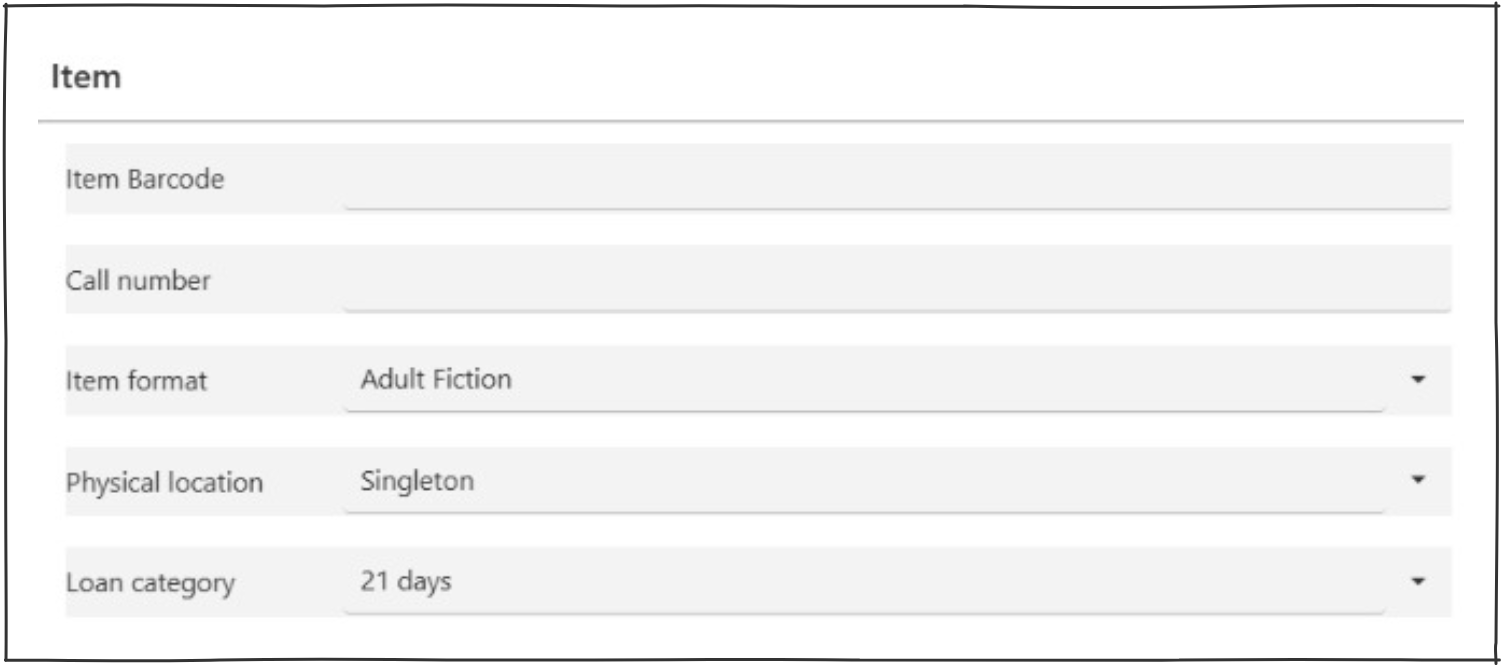
Item – Middle panel #
Adding an item for a quick work is optional. If an operator chooses to not add the item here, they may do so on the Catalogue page.
- Item barcode – This is the only mandatory field to add an item.
- Call number – If the call number is known, enter it here.
- Item format – This is selectable from the pull-down menu and should be addressed to ensure that the correct parameters are employed for the loan.
- Physical location – This is selectable from defined locations from the pull-down menu – the default will always be to the logged in location.
- Loan category – This is selectable from the pull-down menu and will default to ‘Normal loan’ (as expressed locally).
Enterprise parameters to note #
By default any item created by the Quick Work process may be given a ‘skeleton’ status and trapped on return to allow the cataloguers to cross-check the details, and ensure that all headings, etc. are entered for the work. This is controlled by the enterprise parameter ‘SkeletonItemCheck‘, (Set item as ‘Skeleton’ if work has no 007, no subject, or no item call number). Note you cannot set this for individual instances.