
Quick Suggestion #

The Quick Suggestion form provides a simple way for an operator to create a suggestion.
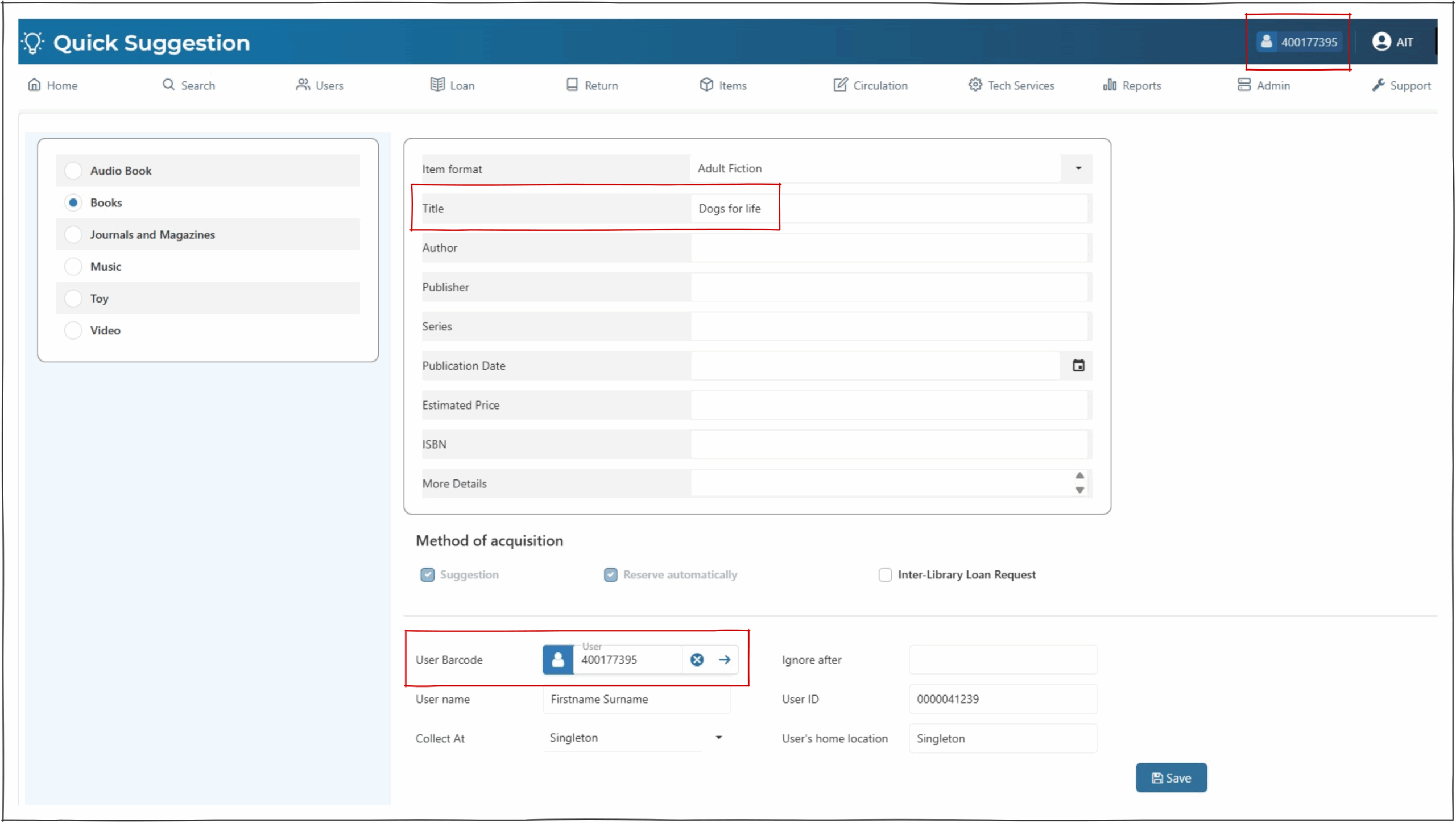
Catalogue Work Format – left hand panel #
The Catalogue Format button allows selection of the specific cataloguing format required. This should be determined by the library itself and reflects the MARC Leader information that will be created.
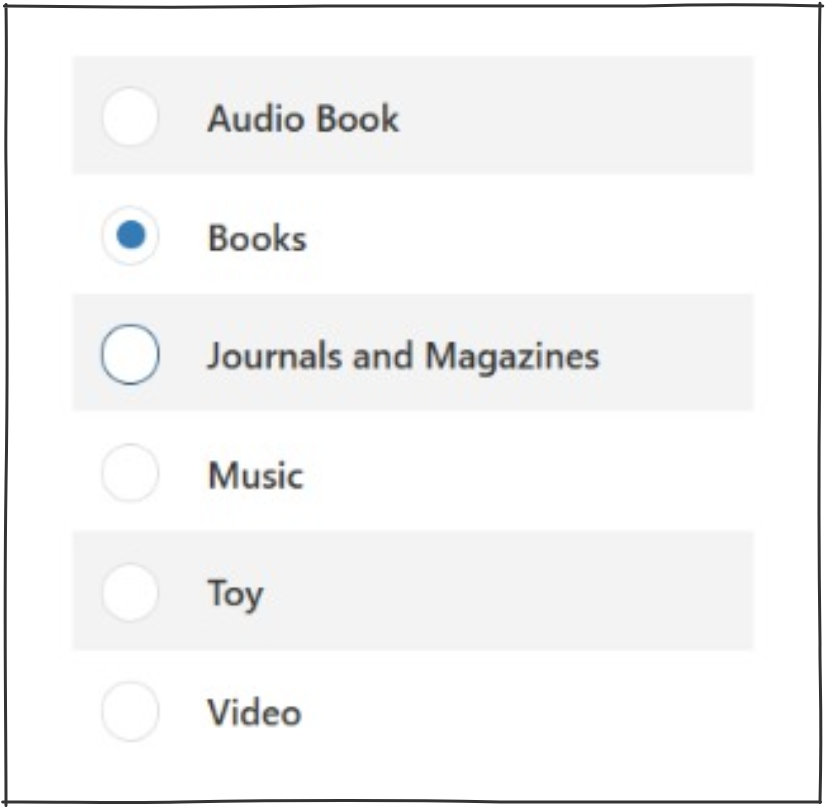
Work Details – top panel #
The works panel has only 1 mandatory field, ‘Title’. The other fields can be populated here if known.
Method of Acquisition #
Suggestion is automatically checked on this screen.
Reserve automatically – if selected in combination with the suggestion tick box the user input options will become available.
This option will be greyed out and ticked based on Enterprise parameter ‘SuggestQuickReserveAuto’.
Interlibrary loan – Creates a suggestion marked as an Interlibrary loan. See Inter Library Loans for more information.
Note – if the enterprise parameter – SuggestionUserNotDebarred is active users who are debarred will not be able to place suggestions.
User Information #
If reserve automatically or Inter-library loan are ticked the user information must be input prior to saving the request.
User Barcode – An operator can scan the users barcode into the user barcode box or search via the users name.
NOTE The Suggestion has not been saved at this stage
User Name – the user name is listed in this box or an operator can search here and press the enter button on your keyboard. An alphabetical order list will appear using the dropdown arrow the operator is able to select the user they were searching for.
Collect at – dropdown box to select the available collect at locations and will default to the location you are signed in at.
Ignore after – allows the user to select a ignore after date e.g. requesting an ILL for an assignment by a certain date and will not need it after that date.
Saving the Suggestion #
Selecting the  save button will save the Quick Suggestion to Suggestion management for the suggestion to be actioned.
a successful message will appear at the top right of the screen and a fresh quick suggestion form will appear to add a new suggestion.