
Edit an Existing Post #
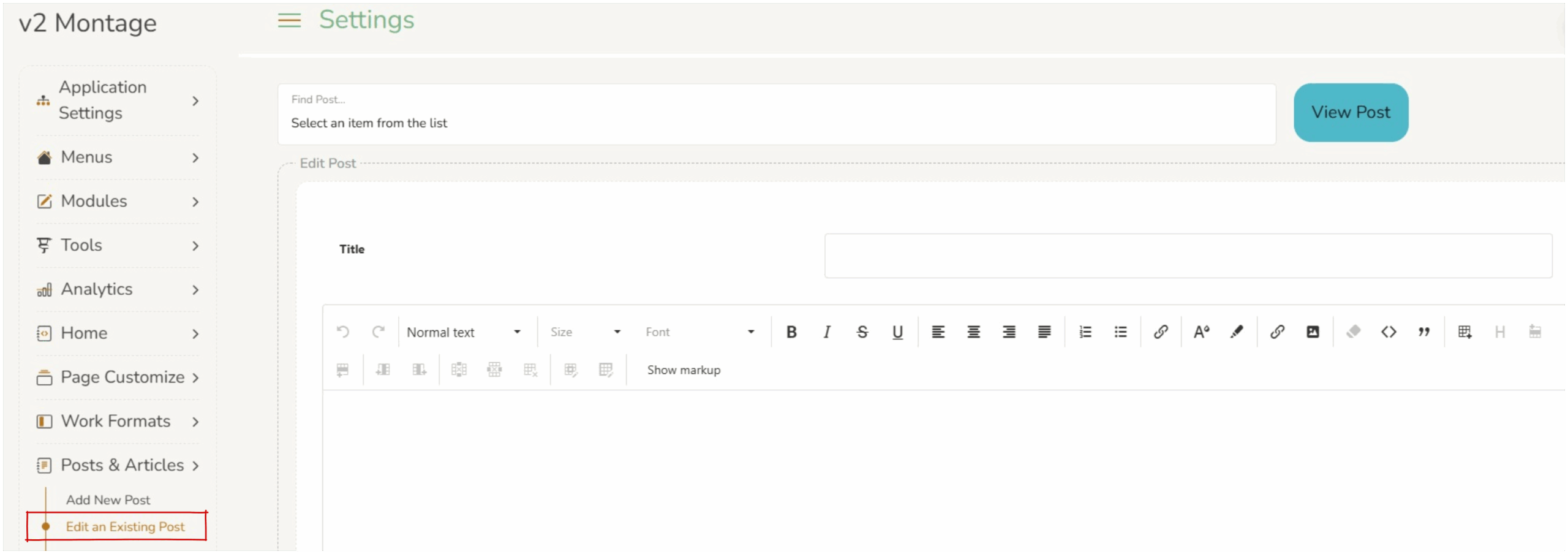
Operators can edit any existing post or article. This can be useful for fixing bugs in a post.
To open an existing post, select it from the list of posts by selecting the drop down list. 
Editing content is the same as creating. the window is a rich text editor. Operators can add formatted content, links, images and tables. This is an easy to use editor, where ‘what you see is what you get’ (WYSIWYG).
Saving Changes #
When any changes are made to the section, operators must press save at the bottom of the screen. 
Reminder : Posts & articles are ‘live’ news forms. Therefore any editing made to an existing post will be seen by users, if a post link has been emailed then edited users will see the most recently saved version.