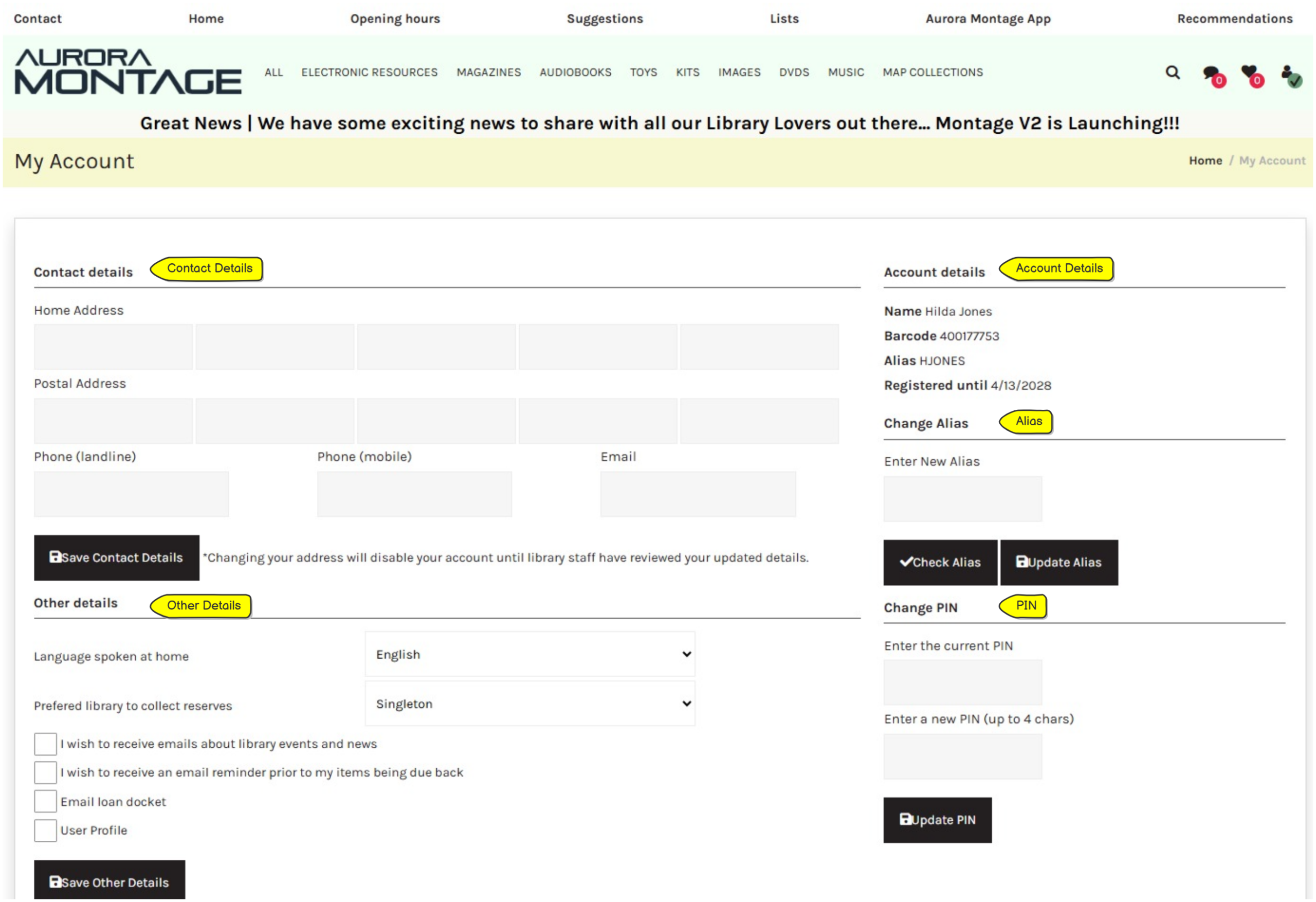
User Details #
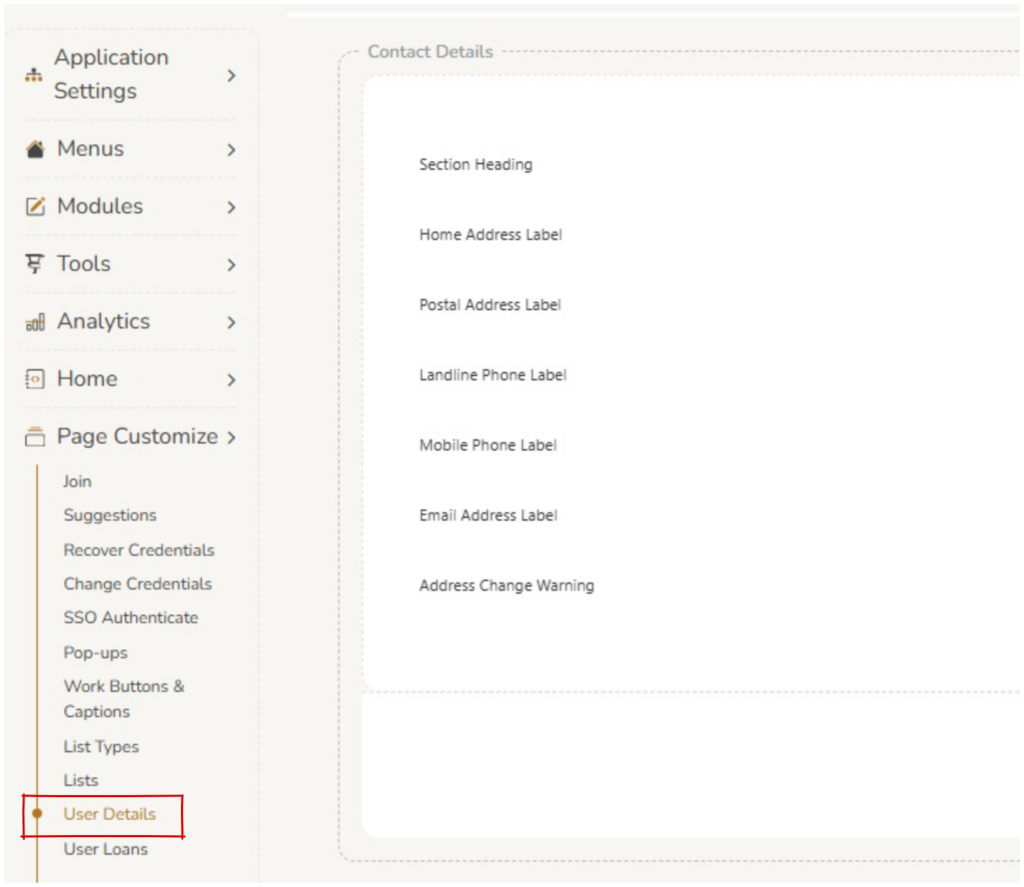
User Details are displayed on a logged in user’s My Account page. Editing these fields can be done in Page Customize > User Details.
Contact Details : Operator’s can edit the labels of the fields for addresses, phone numbers and emails. The ‘address change warning’ is formatted in this section. See Montage Settings > ByPassReviewOnAddressChange for setting the review on address change status.
Account Details : Operator’s can edit the labels of the fields for name, barcode, alias and registered until.
Change Alias / Password / PIN : Operator’s can edit the labels of the fields for alias, password and PIN.
SSO : If your library is set up for Single Sign On these field labels can be changed here.
When making any changes in a section, operator’s must save that each section.