
News Section #
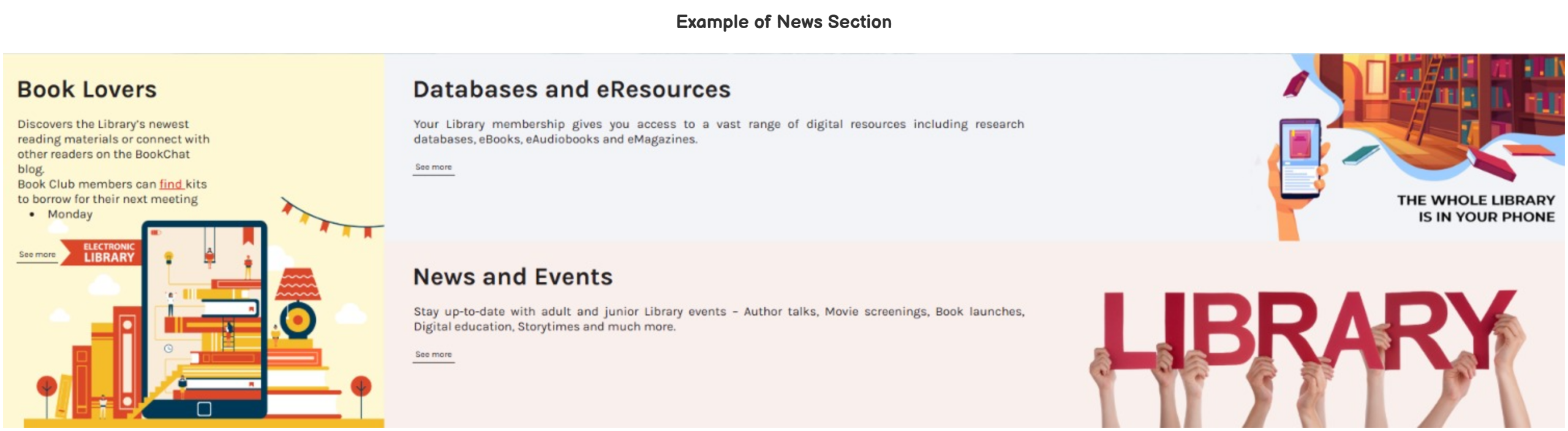
The news section allows for the display of up to 3 news items.
This section can be customized in Home > News Section.
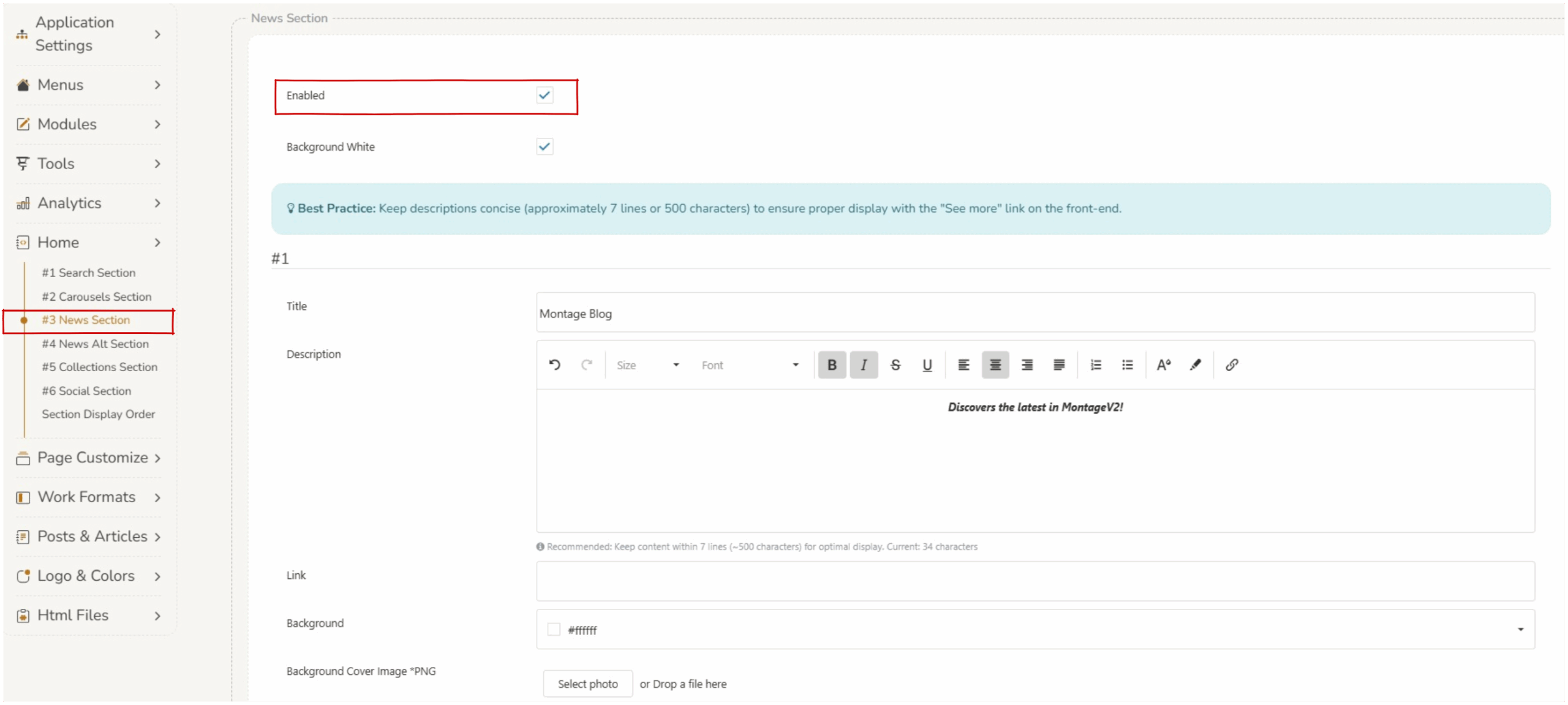
There are two parameters which control the overall display of the news section.
- Enabled – if the
 checkbox is selected the entire news section will display on the home screen. If this is not selected the news section will not display.
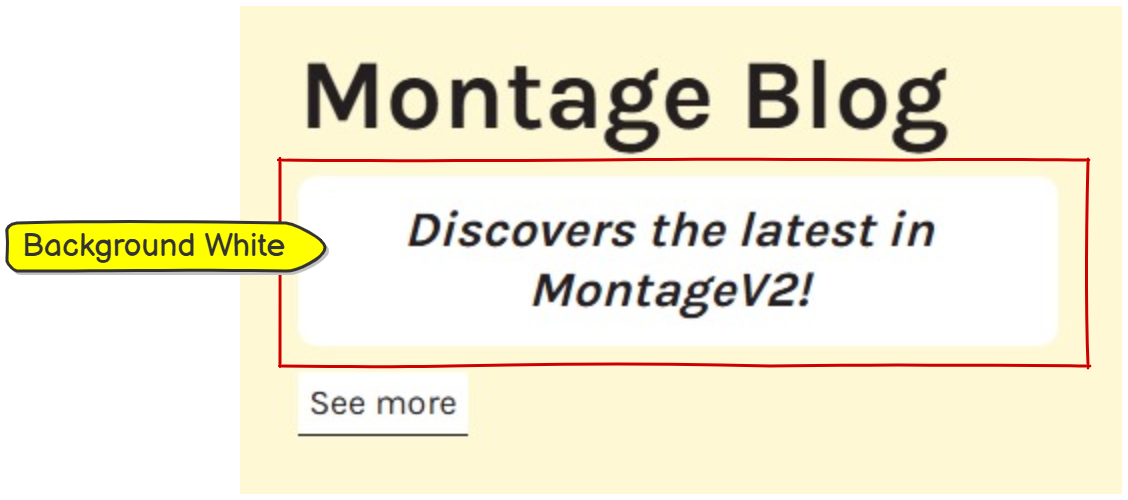
 - Background white – if thecheckbox is selected the background of the description text will display as white. If this is not selected the background of the description text will be transparent and present as the background colour.
News Elements #
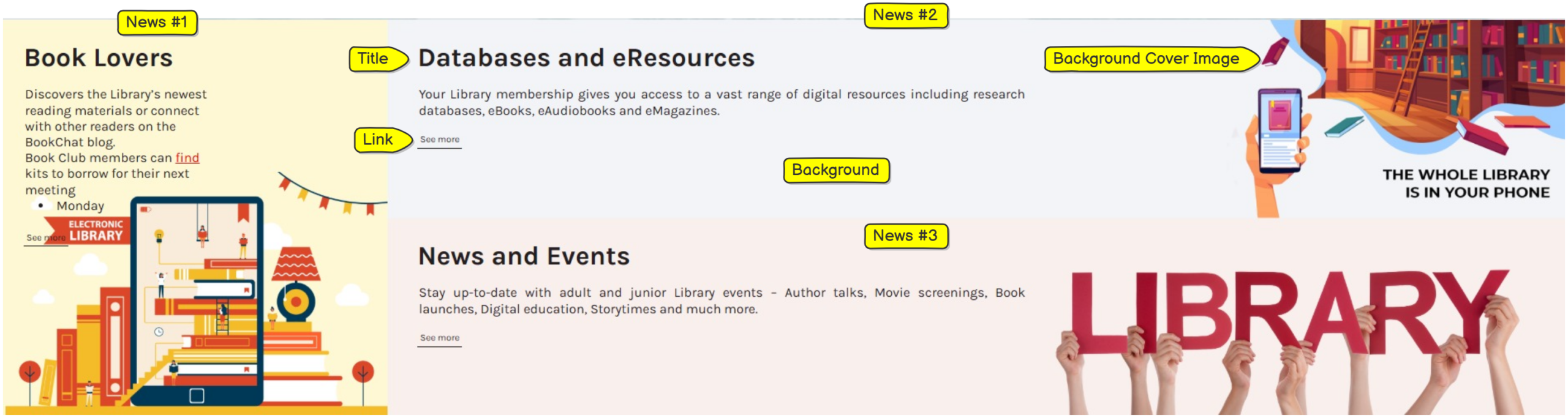
- Title – displays as title of the news block.
- Description – displays brief details of the news item. Recommended: Keep content within 7 lines (~500 characters) for optimal display.
- Link – adding a link to a url will be displayed as ‘see more’ on the news section. Clicking the link will open the set url.
- Background – this will change the color of the news item.
- Background Cover Image – any images can be uploaded using the ‘select photo’ button. Operators should consider copyright when sourcing images. Extremely large files will not upload.
Saving Changes #
When any changes are made to the section, operators must press save at the bottom of the screen. 
Changing the order of the sections #
The order in which the sections display can be customized, refer to Section Display Order.