
Features #
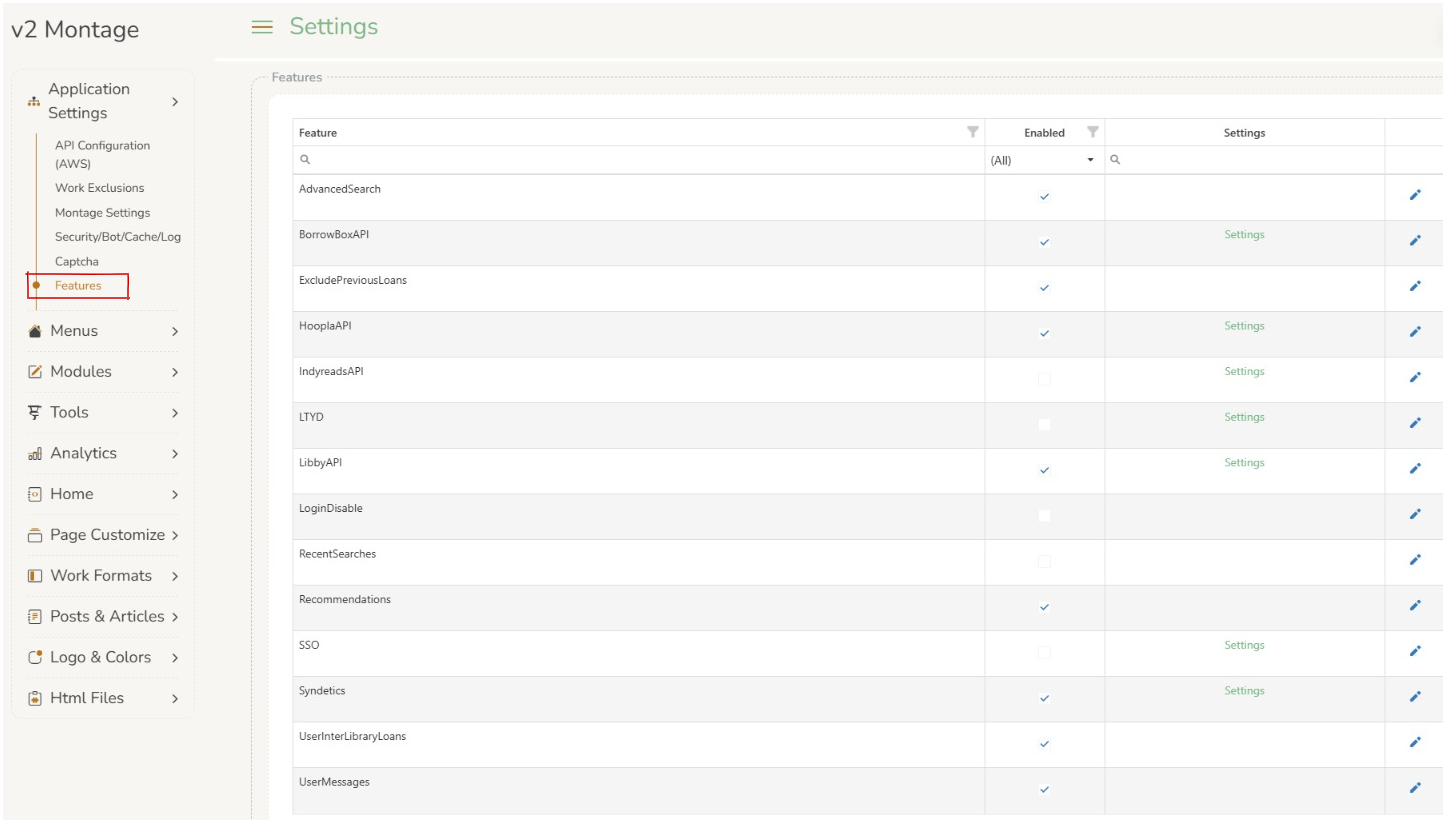
Features page allows operators to edit Montage features.
AdvancedSearch #
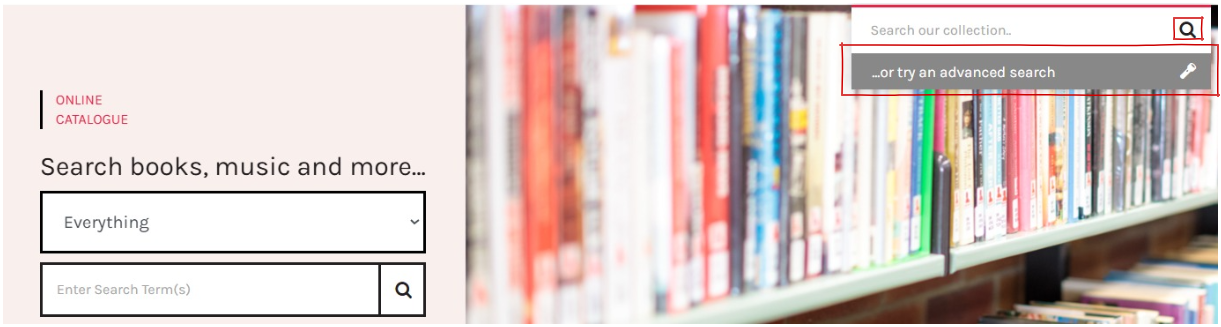
AdvancedSearch can be enabled or disabled by clicking on the check box 
When enabled the Advanced Search presents on the front page of Montage as a magnifying glass  on the main menu. Clicking on this magnifying glass will open a new screen allowing for an advanced search.
BorrowBoxAPI #

BorrowBoxAPI can be enabled or disabled by clicking on the check box
ExcludePreviousLoans #
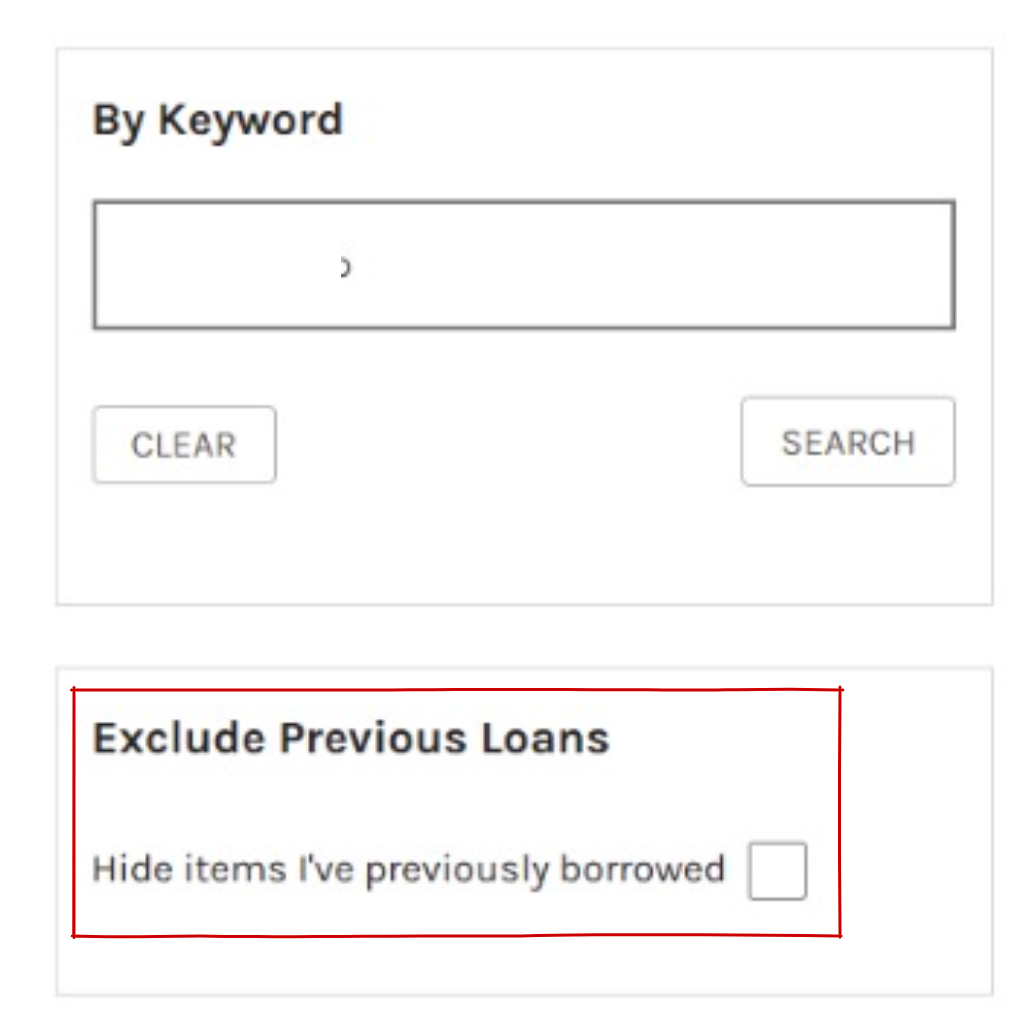
ExcludePreiousLoans can be enabled or disabled by clicking on the check box
When this setting is enabled a logged in user will be able to select it in their search refinements. This will hide any previously borrowed works from the search results.
HooplaAPI #

HooplaAPI can be enabled or disabled by clicking on the check box
LTYD #
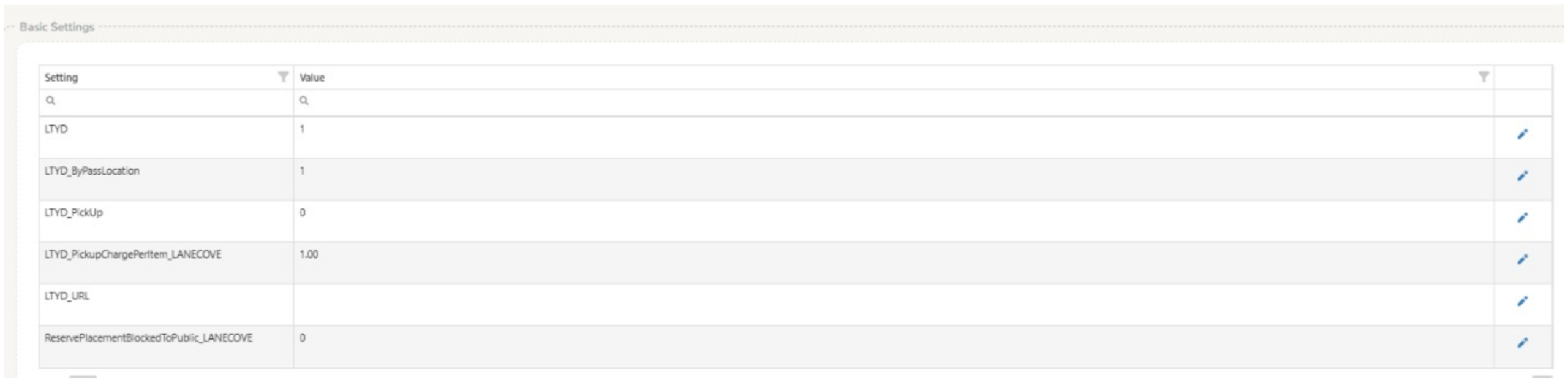
LTYD (Library To Your Door) can be enabled or disabled by clicking on the check box
Settings for LTYD can be changed here including pick up charges, page resources and LTYD popup.
LibbyAPI #
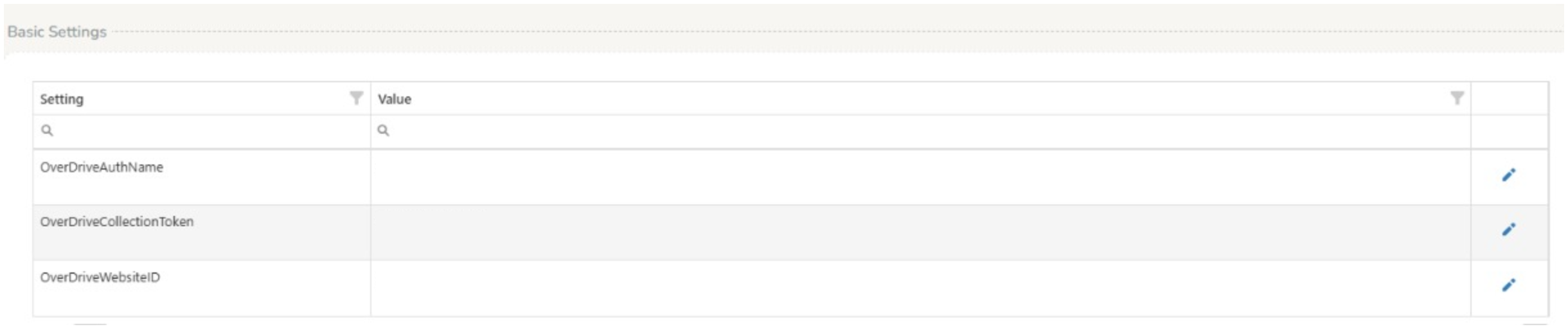
Libby API can be enabled or disabled by clicking on the check box
LoginDisable #

LoginDisable can be enabled or disabled by clicking on the check box
Enabling this will prevent users (customers) logging in to Montage. It is advised this is not enabled.
RecentSearches #
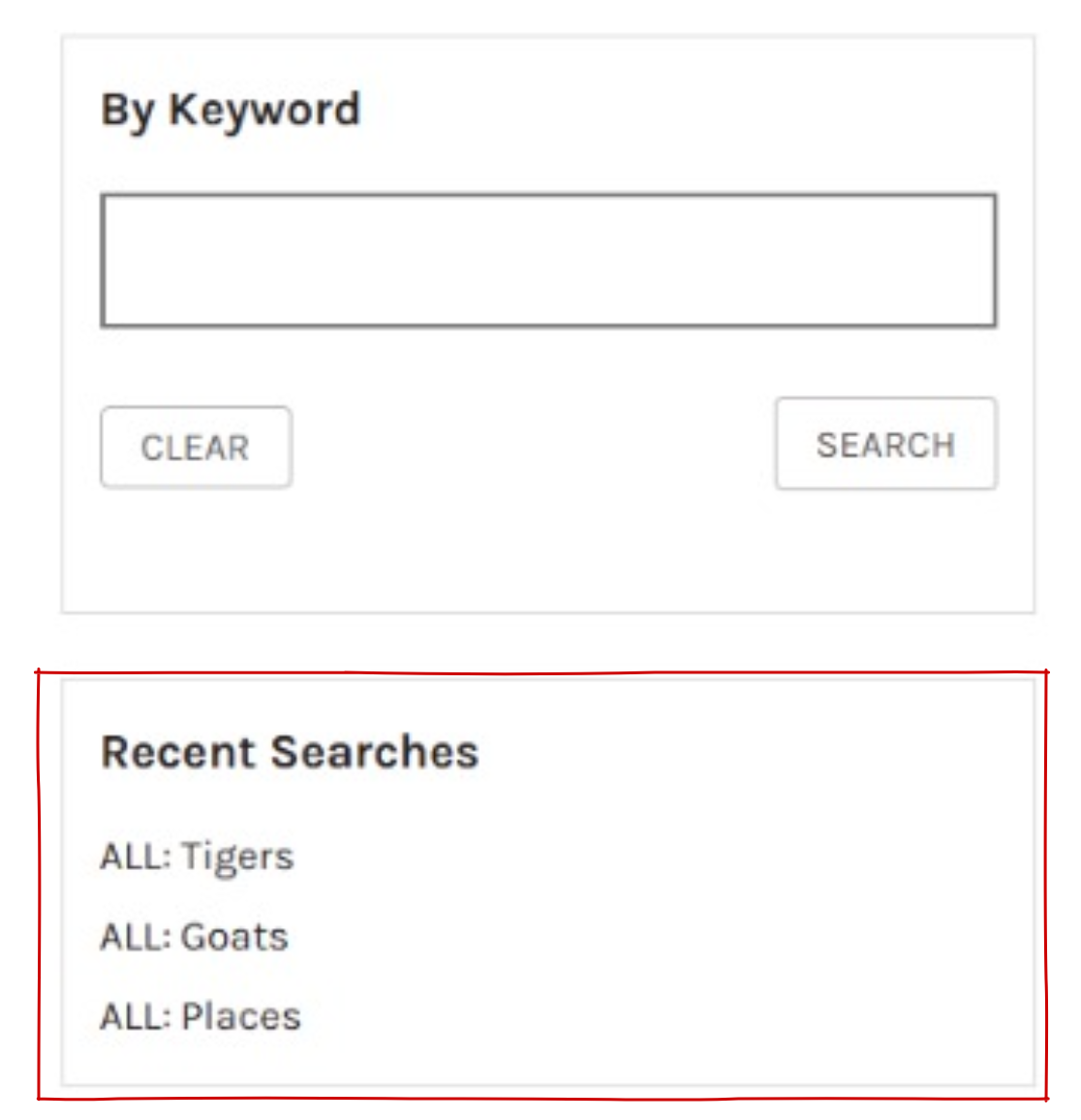
RecentSearches can be enabled or disabled by clicking on the check box
This setting will impact a logged in user’s view when searching on MontageV2. When enabled recent searches will appear on the refinements page of a user’s search.
Recommendations #
SSO #

SSO (Single Sign On) is a setting determined by organisations.
Changes can be made to these settings including basic settings, login SSO button caption, SSO captions & buttons, SSO learn more dialog and SSO unlink dialog form fields.
Syndetics #

Syndetics can be enabled or disabled by clicking on the check box
Syndetics settings can be adjusted