Section Display Order #
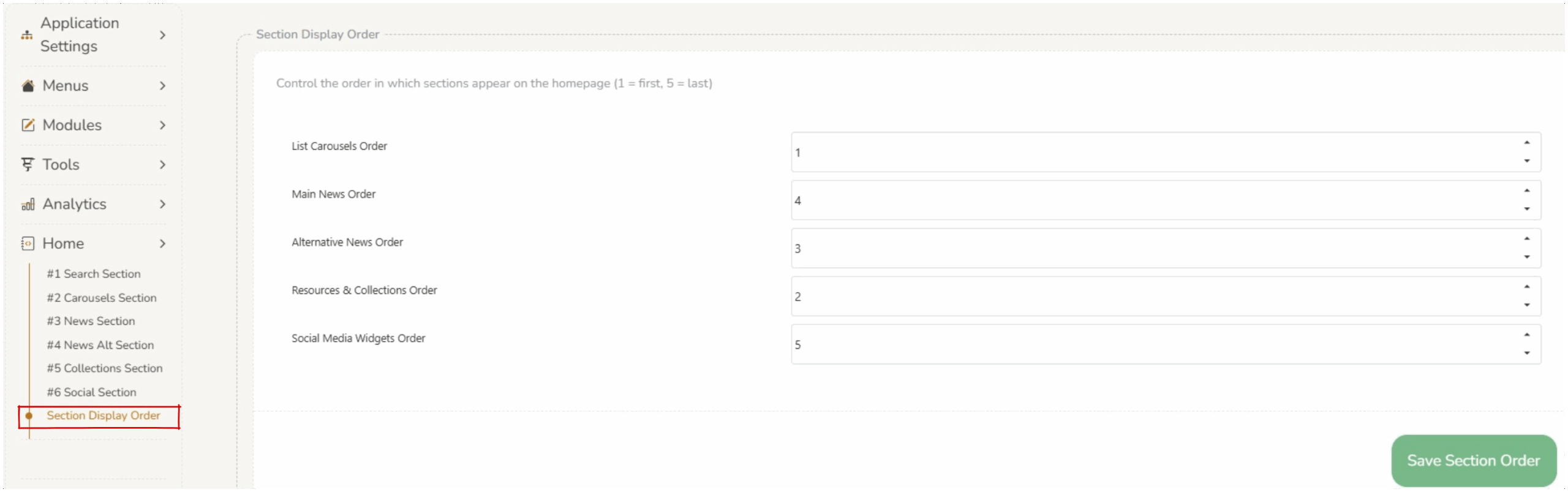
The section display order on the home screen can be changed to suit the library preferences.
This can be customized in Home > Section Display Order.
Changing the number beside each of the 5 sections will determine the display order (1 = first, 5 = last).
Saving Changes #
When changes are made to the section display order, operators must press save section order at the bottom of the screen.